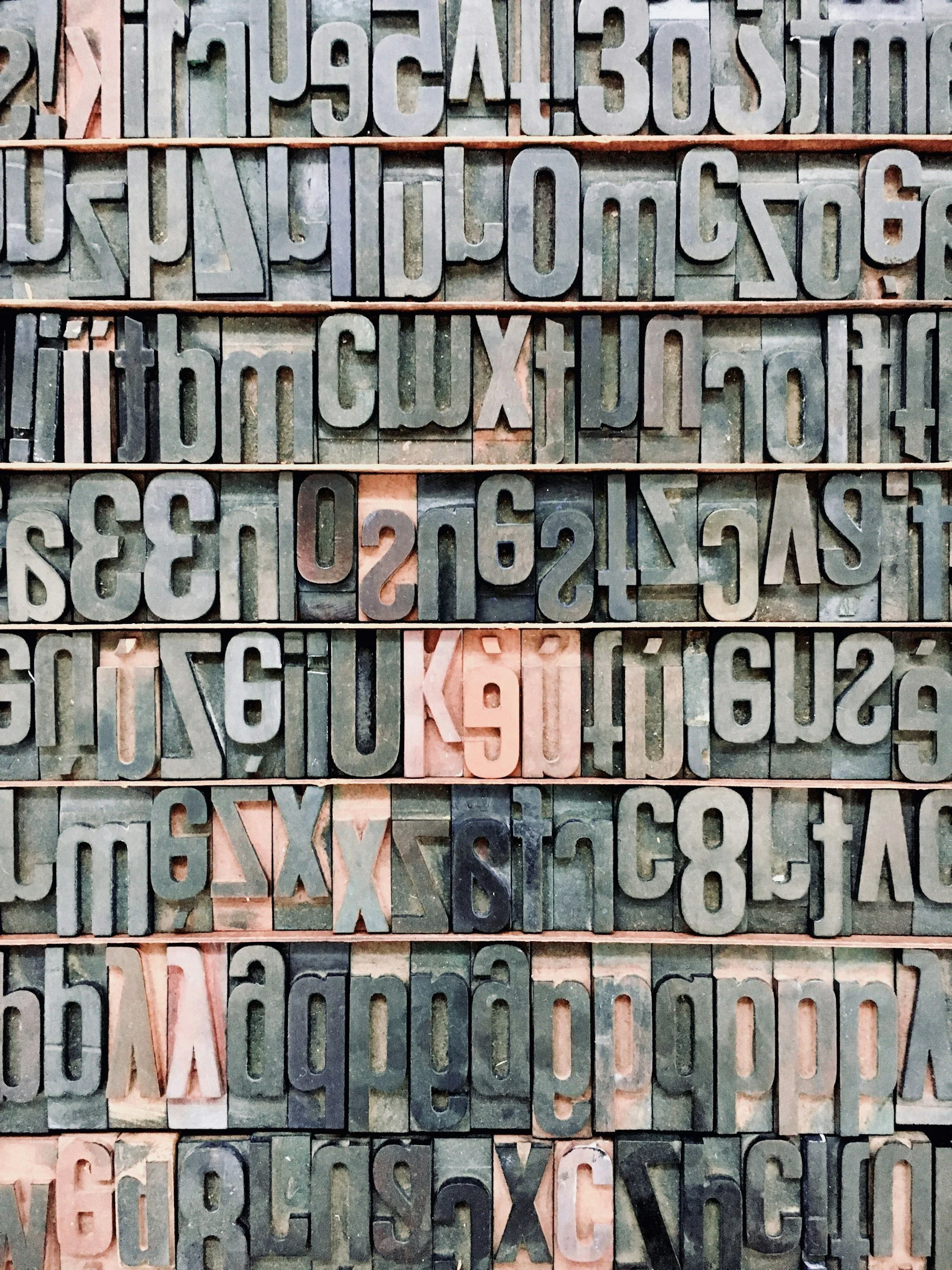
Fonts
Fonts are one of the most overlooked sources of page weight on Squarespace sites, partly because they accumulate quietly over time and partly because they feel like a design decision rather than a technical one.
The real cost of a heavy font stack
Each Google Font family you load adds HTTP requests and render-blocking potential.
Loading just three font families with four weights each:
regular
bold
italic
bold italic
Will add 600 to 900 milliseconds to the first render on slower connections.
The exact impact varies based on connection speed, device, and font format.
Many Squarespace sites accumulate fonts passively: a heading font, body font, and button font, each from a different family, each firing a separate request on every page load.
How to slim down your typography without redesigning
Audit which fonts are actually displaying across your site, then consolidate.
One primary typeface for body copy and one for display headings is almost always enough.
Select only the weights you actually use, typically regular and bold.
Squarespace’s Style Editor lets you control font assignments globally, so you can make these changes in one place.
If your brand allows it, a well-chosen system font stack requires zero HTTP requests and can dramatically reduce font load time with no visible compromise for most small business sites.